DIY Website Guide — ZU2B
✦ 2 PDF Files — Instant Access

Build Your Own
Website in One Week.
No Developer Needed.

The complete step-by-step guide to building a professional website yourself — from choosing your platform to going live — no coding, no design experience, no big budget required.

8-chapter guide
Planning worksheet
No coding required
All platforms covered
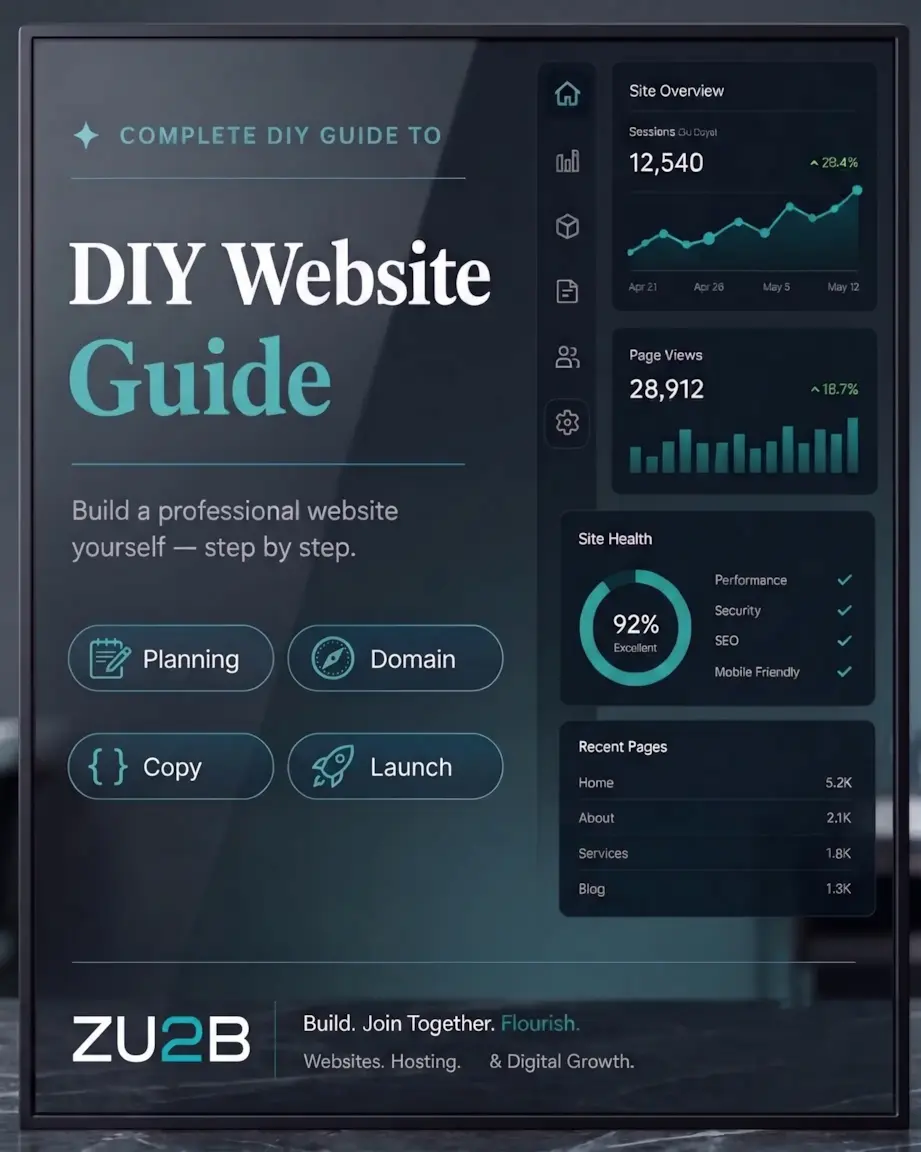
✦ Complete DIY Guide to
DIY Website
Guide
WordPress Squarespace SEO Design
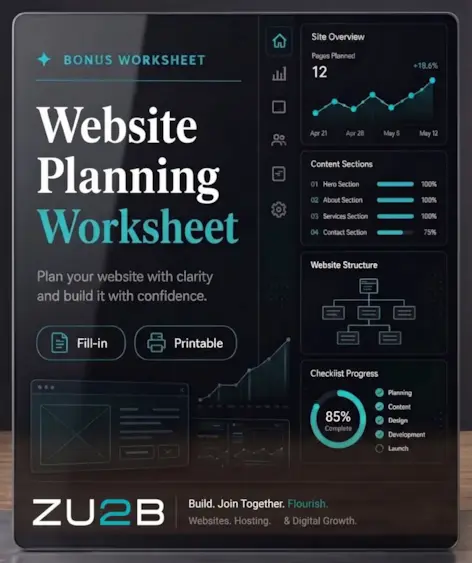
✦ Bonus Worksheet
Website Planning
Worksheet
Fill-in Printable
75%
Of people judge a business’s credibility by its website design alone
7 days
From blank page to live website following the plan in this guide
$0
Cost to build using the platforms recommended — hosting from ~$3/month

Two Files. Your Complete Website System.

The guide walks you through every step. The worksheet is where you plan every decision before you build — so when you sit down to create your site, everything is already figured out.

📘
File 1 — Full Guide
DIY Website Guide

An 8-chapter step-by-step guide that takes you from ‘I don’t know where to start’ to a live, professional website — without a developer, without coding, and without a big budget.

Website planning framework — goals, audience, pages, content
Platform comparison — Squarespace, Wix, WordPress, Shopify
Domain & hosting guide — what you need and where to get it
Design principles for non-designers + free resource list
Homepage copy formula — the 8-section structure that converts
Essential pages guide — what to include on every page
SEO basics — 4 pillars to get found on Google
Pre-launch checklist + 7-day build plan
📋
File 2 — Printable Worksheet
Website Planning Worksheet

A hands-on workbook to complete alongside the guide. Plan every page, write your key copy, set up your SEO, and work through the full pre-launch checklist before you build a single thing.

Website strategy section — goal, visitor, CTA, pages
Platform & domain decision fields
Brand colors with swatch boxes + HEX code fields
Page-by-page planner for all core pages
Homepage copy planner — headline, CTA, benefits, process
SEO setup section — keywords, title tags, meta descriptions
18-item pre-launch checklist with your launch date
Print-ready or fill in digitally
01
Planning Your Website
The 5 questions to answer before touching any platform — goal, audience, CTA, pages, and content audit.
02
Choosing Your Platform
Squarespace vs. Wix vs. WordPress vs. Shopify — an honest comparison with a clear recommendation.
03
Domain Names & Hosting
How to choose a great domain, where to buy it, and what hosting you need (or don’t need).
04
Designing Your Website
How to use templates, 5 design principles, free resources, and the mobile-first rule that changes everything.
05
Writing Copy That Converts
The fundamental rule of website copy, the homepage formula, and headline structures that work.
06
Essential Pages
Exactly what to include on your Home, About, Services, Contact, and Portfolio pages.
07
SEO Basics
The 4 SEO pillars — keywords, on-page, technical, and content — explained in plain language.
08
Going Live & Maintenance
The pre-launch checklist, launch announcement plan, and 15-minute monthly review habit.

Built for Non-Technical Website Builders.

No jargon, no assumptions about prior knowledge, no steps skipped. Plain language, specific recommendations, real examples.

📋
Plan Before You Build
The worksheet walks you through every decision before you open your platform. No more getting stuck mid-build because you didn’t know what to write or how to structure a page.
🆚
Honest Platform Comparison
An unbiased comparison of every major website platform — with a clear recommendation based on your goals, budget, and technical comfort level. No affiliate fluff.
✍️
Copy That Actually Converts
Chapter 5 covers the homepage formula, headline structures, and the one rule that makes website copy work. Most DIY sites fail here — this guide fixes that.
🔍
SEO From Day One
Chapter 7 covers the 4 SEO pillars in plain language — keywords, on-page optimisation, technical setup, and content. Do this right from the start and skip months of catch-up.
Nothing Left to Guesswork
Every chapter ends with a specific action items list. The pre-launch checklist has 18 items to tick off before going live. You’ll always know exactly what to do next.
Live in 7 Days
The guide concludes with a realistic 7-day build plan — one task per day from planning to launch. A focused week is all it takes to have your professional website live.

For Anyone Ready to Go Online.

Whatever your background or budget — if you need a professional website and want to build it yourself, this guide is for you.

🌱
Complete Beginners
You’ve never built a website and every tutorial you’ve found assumes you already know things you don’t. This guide starts at the very beginning and leaves nothing unexplained.
🏪
Small Business Owners
Your business deserves an online presence but you can’t justify $3,000 on a developer right now. This guide shows you exactly how to build something professional for the cost of a domain and hosting.
🚀
Entrepreneurs & Side Hustlers
You’re launching a new venture and need a website that works from day one — collecting leads, showcasing your work, and building credibility before you have a track record.
2 Files — Instant Download
DIY Website Guide
Everything you need to plan, build, and launch a professional website yourself — in one week, with no developer and no coding required.
$ 27
One-time purchase — no subscription
Everything included
DIY Website Guide Ebook — 8 chapters, plain-language, step-by-step
Website Planning Worksheet — printable workbook for every decision
Platform Comparison Guide — honest breakdown of every major option
Homepage Copy Formula — the 8-section structure that converts visitors
Essential Pages Breakdown — exactly what to include on every page
SEO Setup Guide — 4 pillars + free tools to get found on Google
18-Item Pre-Launch Checklist — nothing goes live until every box is ticked
Instant Download — both files, access in seconds, yours forever
Get the Guide + Worksheet — $27 →
🔒 Secure checkout · Instant delivery · Individual use only

Common Questions

Do I need any technical skills?
None. This guide is written specifically for people with zero technical background. Every platform recommended has a drag-and-drop interface — no coding required at any point. If you can write an email and use a smartphone, you have everything you need.
Which platform does the guide recommend for beginners?
Chapter 2 walks you through a 4-question framework to find the right platform for your situation. For most complete beginners, the guide recommends Squarespace or Wix — both are beginner-friendly, include hosting, and can produce professional results without any coding. The guide covers all major platforms so you can make the right choice for your specific needs.
How is this different from the Website Launch Blueprint?
The Website Launch Blueprint is a strategic guide covering the full lifecycle of a website — from planning through to monetization and growth. The DIY Website Guide is a hands-on build guide with a companion planning worksheet — focused on the practical steps of actually building and launching the site. They complement each other, but each stands completely on its own.
How long does it realistically take to build a website with this guide?
The guide includes a 7-day build plan — one focused task per day. Day 1 is planning (using the worksheet). Day 7 is going live. For a simple 5-page website, this is genuinely achievable with 1–2 hours of focused work per day.
Can I share or resell this?
No. Both files are licensed for individual use only. You may not reproduce, distribute, or resell this material without written permission from ZU2B. Commercial use or redistribution is strictly prohibited.
Results Disclaimer

The digital products, content, and resources provided by ZU2B are for informational and educational purposes only. Results will vary based on individual effort, experience, market conditions, and other factors outside of our control. ZU2B makes no guarantees, representations, or warranties regarding specific outcomes or earnings from the use of any product, strategy, or information provided. Any results mentioned — whether from testimonials, examples, or case studies — are not typical and should not be interpreted as a promise or guarantee of similar results. You are solely responsible for your own decisions, actions, and results.

error: Content is protected !!